 (604) 484-9376
Cracked iPhone Lens Cover: Can It Be Fixed?
Published on October 15, 2026
Cracked the glass over your iPhone camera? How to tell if only the lens cover broke or the camera too, what to check, and what the repair involves.
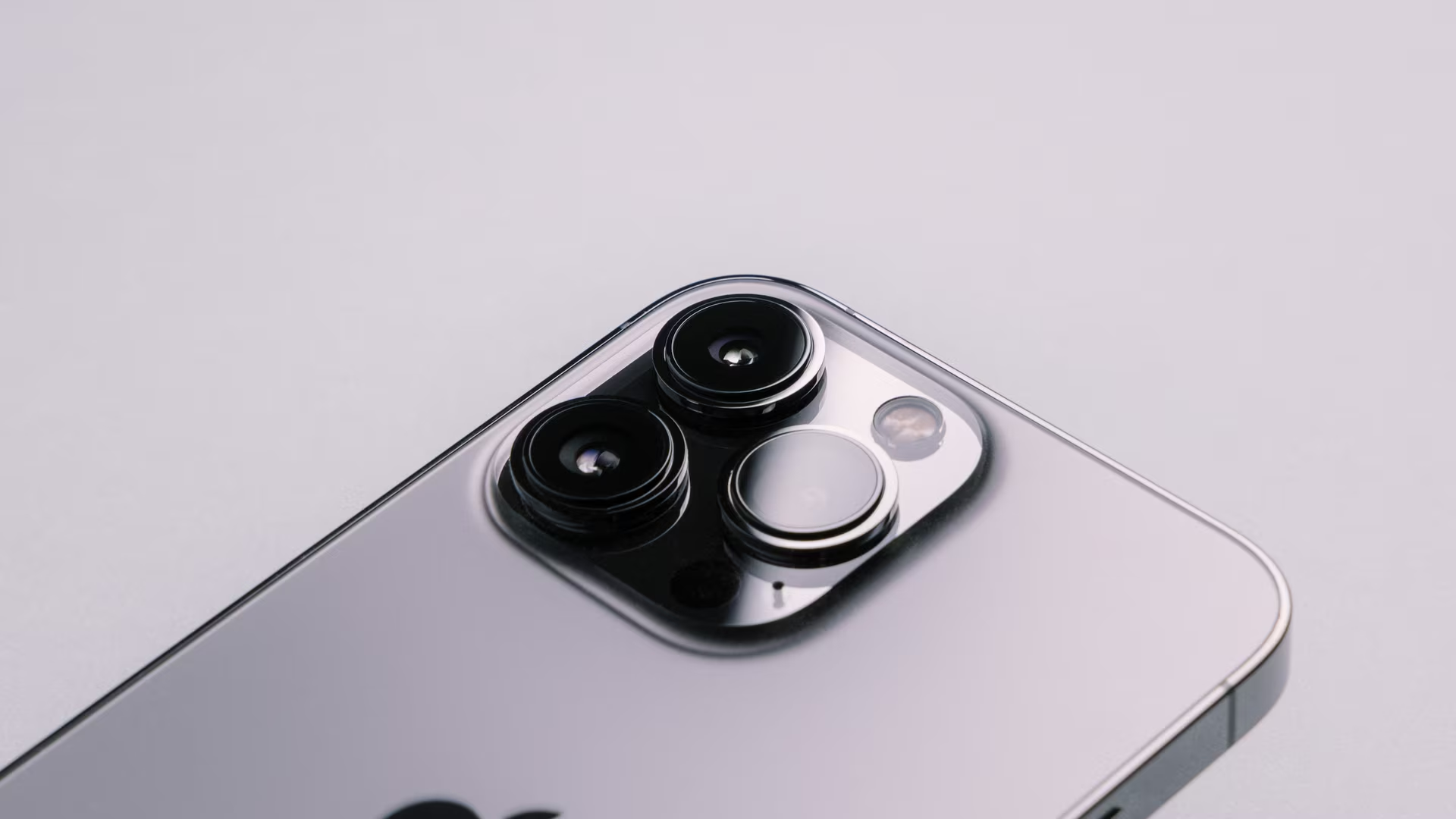
Usually, yes. The clear disc over each rear camera is a separate cover, glued into the camera bump. The camera that takes the photos sits underneath it. If every camera still focuses and takes clean photos, replacing only the cracked cover is normally enough. The camera needs replacing only if the drop damaged it as well.
The way to tell is to test the camera properly before anyone opens the phone. A quick test can easily mislead you, and the newest iPhones are built differently. Both are covered below.
Lens cover or camera: what actually broke
Signs that only the cover is damaged: you can see a crack or chip on one cover, and photos from that camera look hazy in one area or show streaks and flare around lights, especially at night. Everything else works: the camera opens quickly, focuses, and switches between zoom levels normally.
Signs the camera itself may be damaged: a black or frozen preview on one zoom level, focus that never settles, a preview that shakes while the phone is still, clicking or buzzing from the camera area, or photos that stay blurry in good light with no crack in front of that camera.
Before you treat those second signs as damage, rule out the causes below. Several of them have nothing to do with the drop.
Rule these out before blaming the camera
Apple's own camera troubleshooting starts with these steps:
- Take off the case and anything else on the back. Apple's first step is to remove any case, film or accessory that blocks the camera or puts a magnet near it. Magnetic lens mounts, add-on lenses and metal cases can cause motion blur in low light, and strong magnets can interfere with the camera's stabilization and autofocus.
- Think about vibration. Apple warns that using the phone mounted on a high-power motorcycle can, over time, degrade the stabilization and autofocus. That kind of wear looks like damage but leaves no crack.
- Clean gently. Use a dry microfibre cloth and dab rather than wipe. Dragging a cloth over a broken cover can pull loose glass into the opening or scratch the camera lens below.
- Restart the phone and update iOS, then test again.
Test each camera properly
Most advice says to test each camera. The catch is that the iPhone doesn't always use the camera you think it is using.
- Test from arm's length. On iPhones that support macro photos, the Camera app switches to the Ultra Wide camera on its own when you get within about 2 cm of a subject. A close-up "1x" test can end up testing a different camera. If you need to test up close, tap the Auto Macro button so it reads off.
- Tap each zoom button and photograph something with fine detail, such as printed text across the room, in daylight. Compare the same scene on each zoom level. A cover crack usually affects one zoom level, not all of them.
- Point each camera at a lamp or street light. Streaks or haze that move as you tilt the phone usually come from cracked glass.
- Check focus near and far. Tap the screen to focus on something close (beyond macro range), then on something across the room.
- Hold the phone still and record a short video. A steady scene that shakes on screen points to the camera, not the cover, once you have ruled out magnets.
- Check the flash. It sits under the same bump. Turn on the flashlight in Control Centre and make sure it lights.
- Flip to the front camera. If the front camera works and only one rear camera has problems, the fault is local to that rear camera.
Until it's fixed
Keep the phone dry. Apple says iPhone water resistance isn't permanent and can decrease with normal wear, and a cracked or missing cover is a gap that water and dust can get through. A case with a raised edge around the camera keeps the broken glass from taking another knock.
When to get a professional diagnosis
Have a technician look at it if:
- the cover is shattered into small pieces or part of it is missing
- the camera-damage signs are still there after the checks above
- the glass or frame around the camera bump is also cracked or bent
- the phone got wet after the cover broke
DIY lens-cover kits are sold for many models. The risk is in removing the old glass. Shards that fall into the camera can jam the autofocus, a slip can scratch the lens, and too much heat can fog it. Any one of those turns a cover repair into a camera replacement.
The diagnosis is free at any of our five Metro Vancouver stores, and you get the exact price before any work starts. You can see our iPhone camera repairs and book a free diagnosis.
Newer models are different
Much of the advice online was written for older iPhones. On the newest models, three things change.
iPhone 17 Pro and 17 Pro Max.
- A new back won't fix the covers. iFixit's teardown found that the glass back panel is small and separate from the raised camera plateau, and only gives access to the wireless charging coil. On the 17 Pro, 17 Pro Max, iPhone Air and 18 Pro models, what Apple calls the "back glass" is the Ceramic Shield back.
- Camera damage is a bigger job. The three rear cameras (main, ultra wide and telephoto) are one assembly, so damage to any one means replacing the whole assembly. To reach it, the screen has to come off. On this model, the slower "push the old cover out from the inside" method is a much larger repair than on older iPhones.
iPhone 18 Pro and 18 Pro Max. If the camera itself is replaced, it won't work until the repair is finished with Apple's Repair Assistant or the iPhone is restored. A cover-only repair leaves the camera in place.
Older models. On many earlier iPhones, a cover-only replacement doesn't involve opening the phone. A badly shattered cover may still justify taking the camera out so the old glass can be pushed out from the inside.
What the repair involves
Cover only. The technician softens the adhesive and removes the broken glass and old adhesive. They clean the opening so no glass dust or fingerprints are left on the lens, and set a new cover in fresh adhesive. Every camera is then tested again.
Ask what the new cover is made of. Apple's specs list the original as sapphire crystal (the iPhone 17 Pro, for example), and replacement covers are sold both in sapphire and in ordinary glass.
Cover and camera. If the camera is damaged, it is replaced as well. On iPhone 12 and later, a replaced rear camera is recorded in the phone's Parts and Service History. Our guide to what "Unknown Part" means after an iPhone repair explains those messages.
Lens cover and camera repairs are quoted after the free diagnosis, because the price depends on the model and on whether the camera needs replacing. The iPhone repair page lists the other camera repairs we do.
FAQs
Is a cracked lens cover covered by Apple's warranty or AppleCare?
Apple's standard warranty doesn't cover accidental damage. An AppleCare plan covers repairs for drops and spills, with a service fee. If you have AppleCare, contact Apple before using an independent shop, because Apple says independent repairs aren't covered by its warranty or AppleCare plans.
Will a cover-only repair show up in the phone's Parts and Service History?
No. The record lists the battery, display, logic board and cameras, not lens covers. A cover-only repair leaves nothing new in it.
There's a crack over my front camera. Is that the same repair?
No. The front camera sits behind the main screen glass rather than under its own cover, so a crack there is a screen repair. Check that Face ID still works, because its sensors sit in the same area at the top of the screen.
Are camera lens protectors worth it after the repair?
They take the knock instead of the cover, which is the point. Each one adds a layer of glass in front of the lens, so a poor-quality protector, or dust trapped underneath one, can add haze or flare, especially in night shots.

Written by Shah K.
Owner & Device Repair Expert at CellFixx
October 15, 2026
Shah K. is the owner of CellFixx, serving Vancouver, Burnaby, Coquitlam, Richmond, and Metro Vancouver. He shares practical repair advice and expert insights on iPhone, Samsung, screen, battery, charging port, water damage, data recovery, and device repair.